React Performance Without Guesswork
A measurement-first approach to improving React responsiveness without scattering memoization across the codebase.
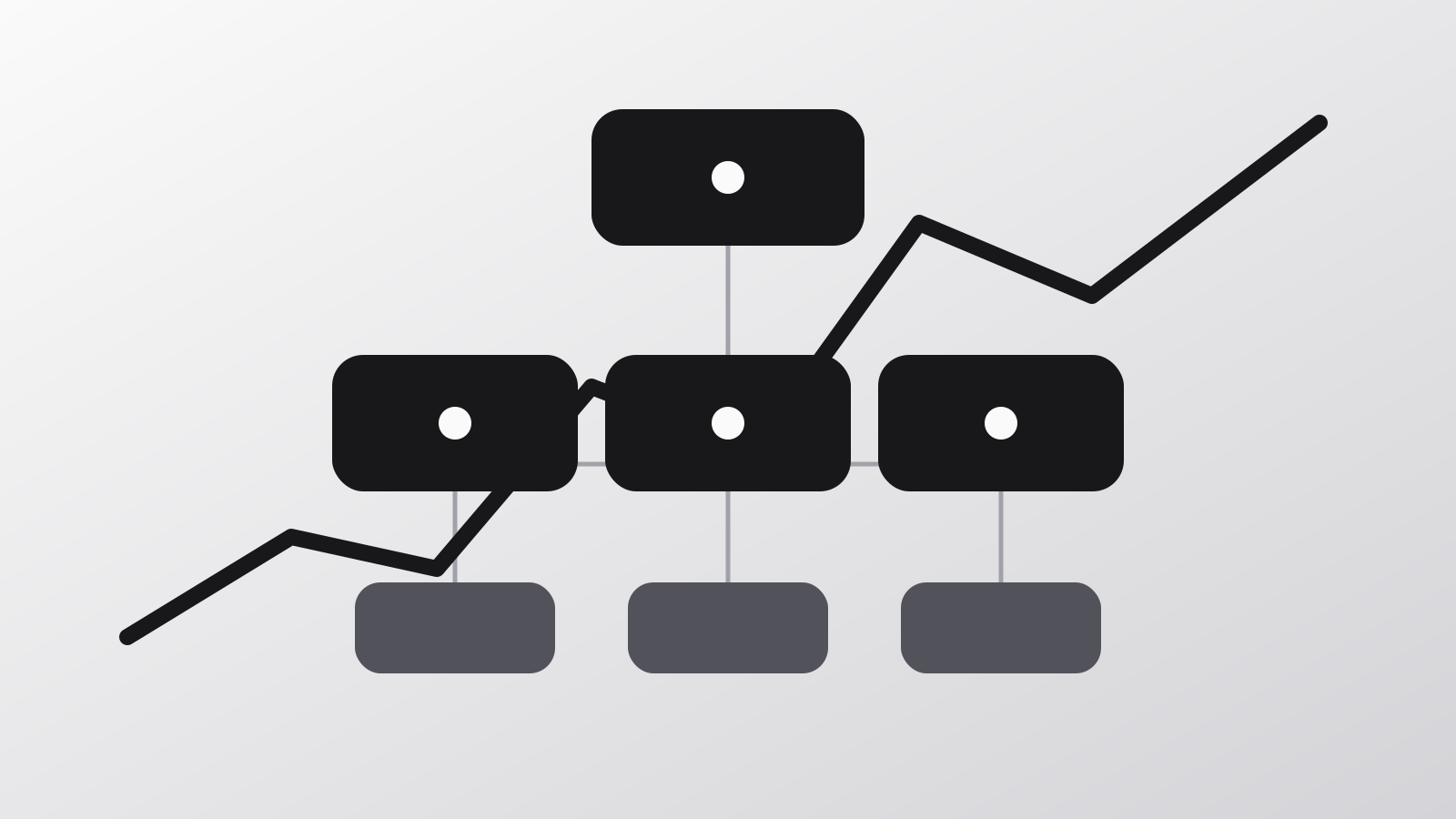
React performance work goes wrong when optimization starts before measurement. The goal is not to minimize every render. The goal is to keep interaction latency and loading performance within a range users do not notice.
Define the slow experience
Start with an observable complaint: typing lags, a panel takes too long to open, or the page shifts during loading. Record the device, route, data size, and interaction so the test can be repeated.
Measure the render path
Use the React Profiler to find components that render during the slow interaction. Browser performance tools then show whether the real cost is JavaScript, layout, painting, or network work.
const visibleRows = useMemo(
  () => rows.filter((row) => matchesFilters(row, filters)),
  [rows, filters],
);
Memoization can help when the calculation is measurably expensive and its inputs are stable. It adds overhead and complexity when used everywhere by default.
Watch component boundaries
State placed too high in the tree can invalidate a large subtree for a small interaction. Move transient state close to the control that owns it, and pass stable primitives when possible.
Reduce work before optimizing it
The largest wins often remove work entirely:
- Render long collections with pagination or virtualization.
- Keep content pages as Server Components when they do not need browser state.
- Load heavy editors only on routes that use them.
- Reserve image dimensions to prevent layout shifts.
- Avoid effects that duplicate derived state.
Verify the improvement
Repeat the same profile after the change. Compare interaction duration, commit time, and downloaded JavaScript. Then test on a slower device profile so a desktop workstation does not hide the result.
| Signal | What it reveals |
|---|---|
| Interaction to Next Paint | Responsiveness to user input |
| Largest Contentful Paint | Main content loading speed |
| Cumulative Layout Shift | Visual stability |
| React commit duration | Component update cost |
Performance is a product constraint, not a one-time cleanup task.
The best optimization is the smallest change that fixes a measured problem and remains understandable six months later.